Compact research hardware
A desktop mounting structure and integrated controller support small manipulation workstations.

Robotics
Project configuration
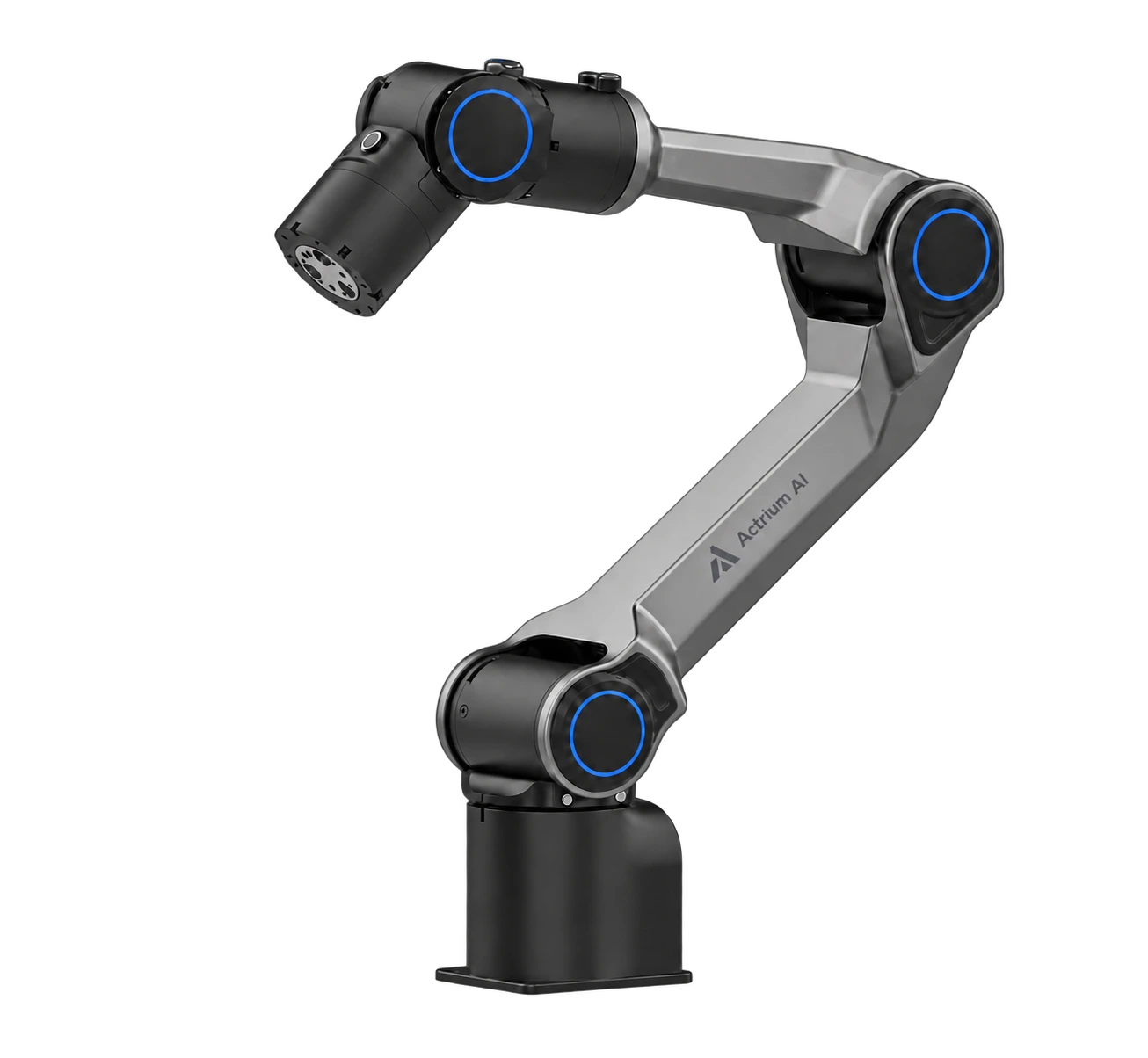
System overview
Start manipulation research with a single arm, then add vision, end effectors, demonstration devices and recording according to the task.
Configuration, lead time and delivery scope confirmed with your inquiry.
Design & capability
A desktop mounting structure and integrated controller support small manipulation workstations.
Reference materials list Python, ROS 1 / ROS 2, URDF, Gazebo and Isaac Sim support. Confirm drivers and versions.
Record action commands, measured robot state and task outcomes separately. Commands are not execution ground truth.
Configuration details and measurement conditions.
| Degrees of freedom | 6 |
|---|---|
| Rated payload | 1.5 kg |
| Arm mass | 4.2 kg |
| Reach | 626 mm |
| Repeatability | +/-0.1 mm |
| Power | DC 24 V |
| Base | 70 x 70 mm, 4 x M5 |
| Installation | Desktop |
| Materials | Aluminum-alloy frame; plastic / resin enclosure |
| Controller | Integrated |
| Joint | Range | Maximum speed |
|---|---|---|
| J1 | -154 to 154 degrees | 180 deg/s |
| J2 | 0 to 195 degrees | 195 deg/s |
| J3 | -175 to 0 degrees | 180 deg/s |
| J4 | -100 to 112 degrees | 225 deg/s |
| J5 | -75 to 75 degrees | 225 deg/s |
| J6 | -170 to 170 degrees | 225 deg/s |
| Temperature | -20 to 50 C |
|---|---|
| Humidity | 25-85%, non-condensing |
| Noise | <60 dB |
| Development | Python, ROS 1 / ROS 2, URDF, Gazebo, Isaac Sim |
| External compute | RTX 4070 / 4080 / 4090 / 5070 / 5080 / 5090 workstation options. Power, cooling, installation and software compatibility require engineering review; high-power GPUs may use an external workstation. |
Delivery and validation
Project integration configuration. Images are concept illustrations, not delivery photographs or engineering CAD. Reference specifications do not establish completed integration, proprietary ownership or brand authorization. Final hardware and performance are subject to project validation and acceptance.
Training and deployment
Plan GPU compute, model training and hosted inference, with control kept on the robot.
Training & Compute →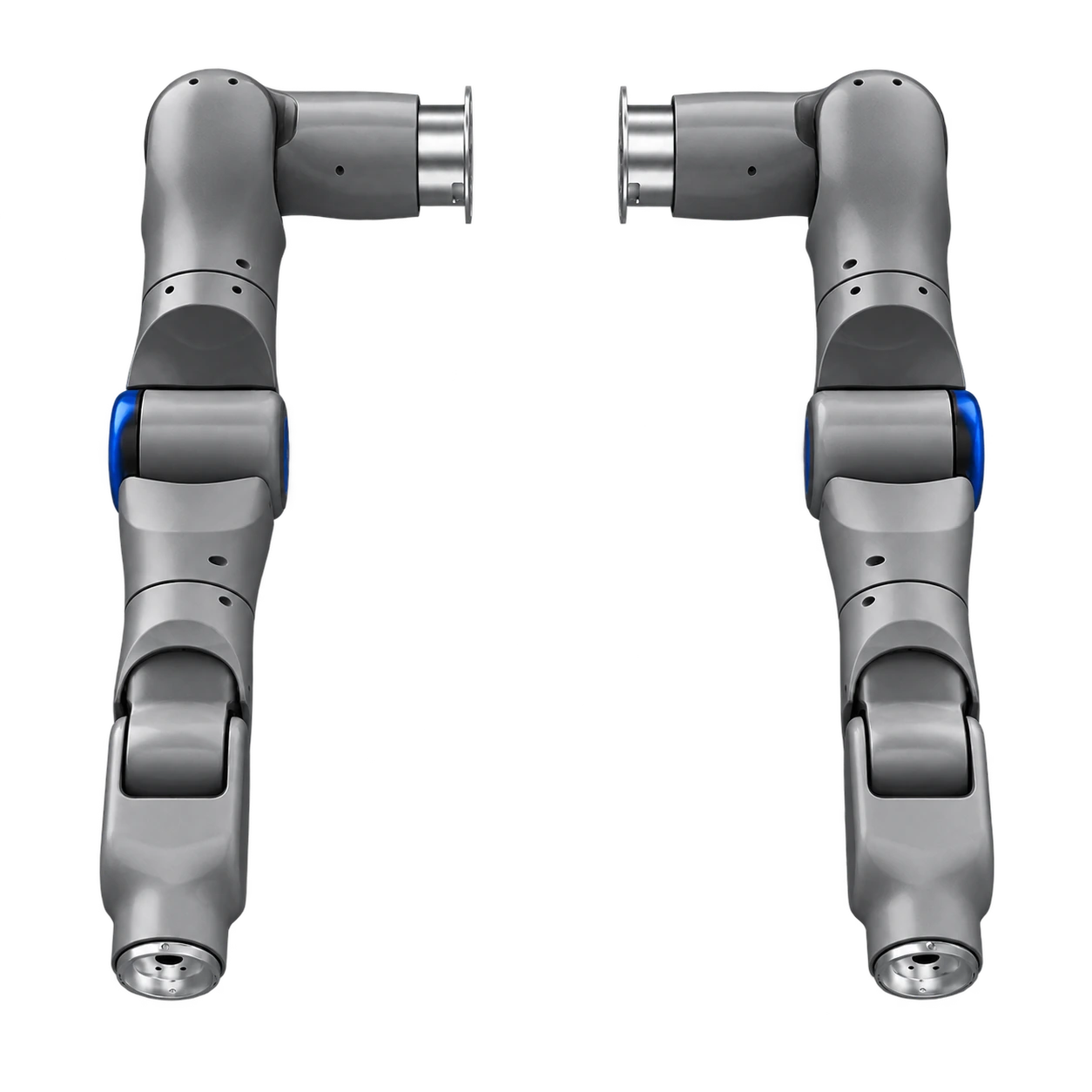
Robotics / Project configuration
Seven-axis lightweight research manipulator
Robotics / Project configuration
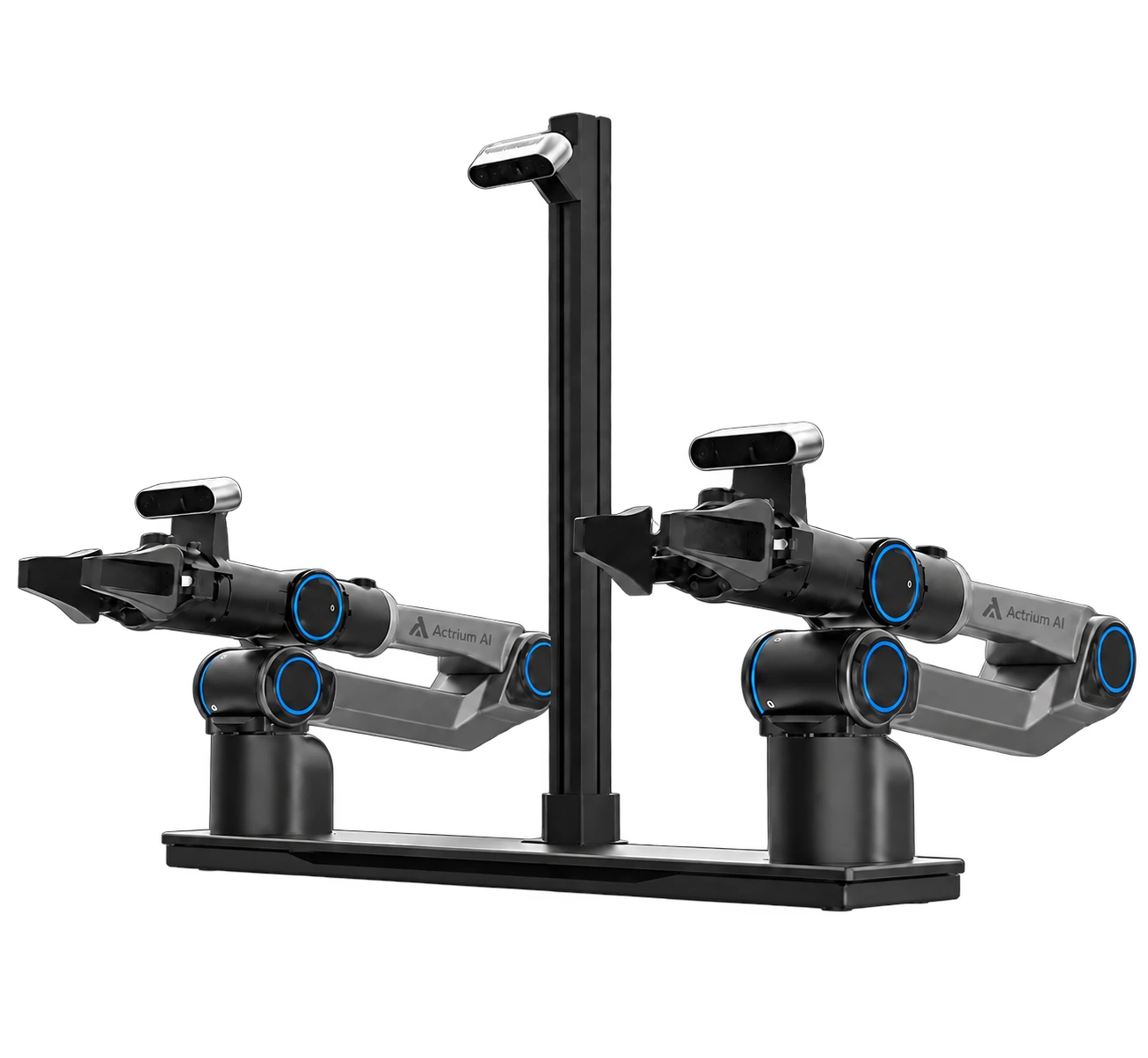
Desktop bimanual learning platform
Capture / Specification-based configuration
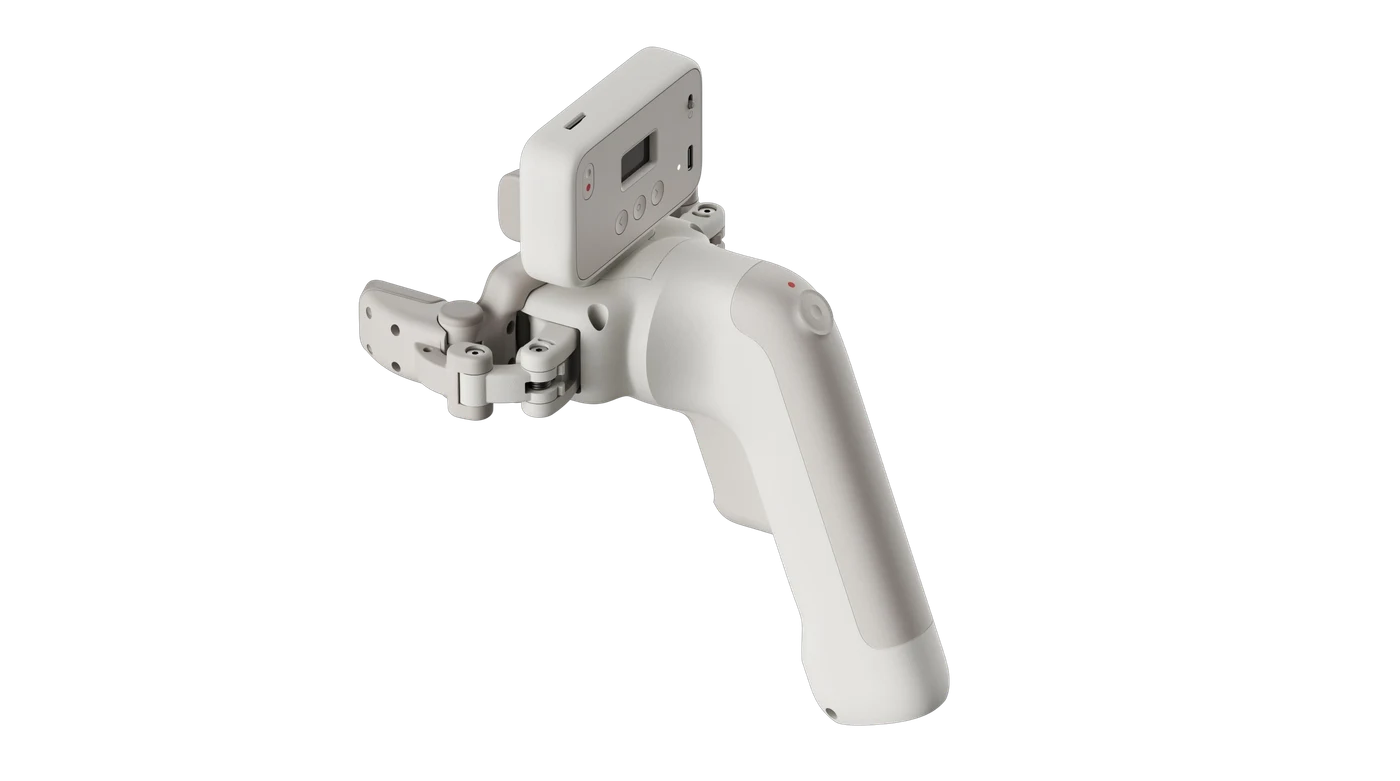
Handheld manipulation demonstrations
Build with Actrium
Define the devices, data and evaluation your project needs.