Two variants, one workflow
UMI-GB records video, IMU and gripper width. UMI-GT adds fingertip tactile sensing for contact, slip and deformable-object research.

Capture
Specification-based configuration
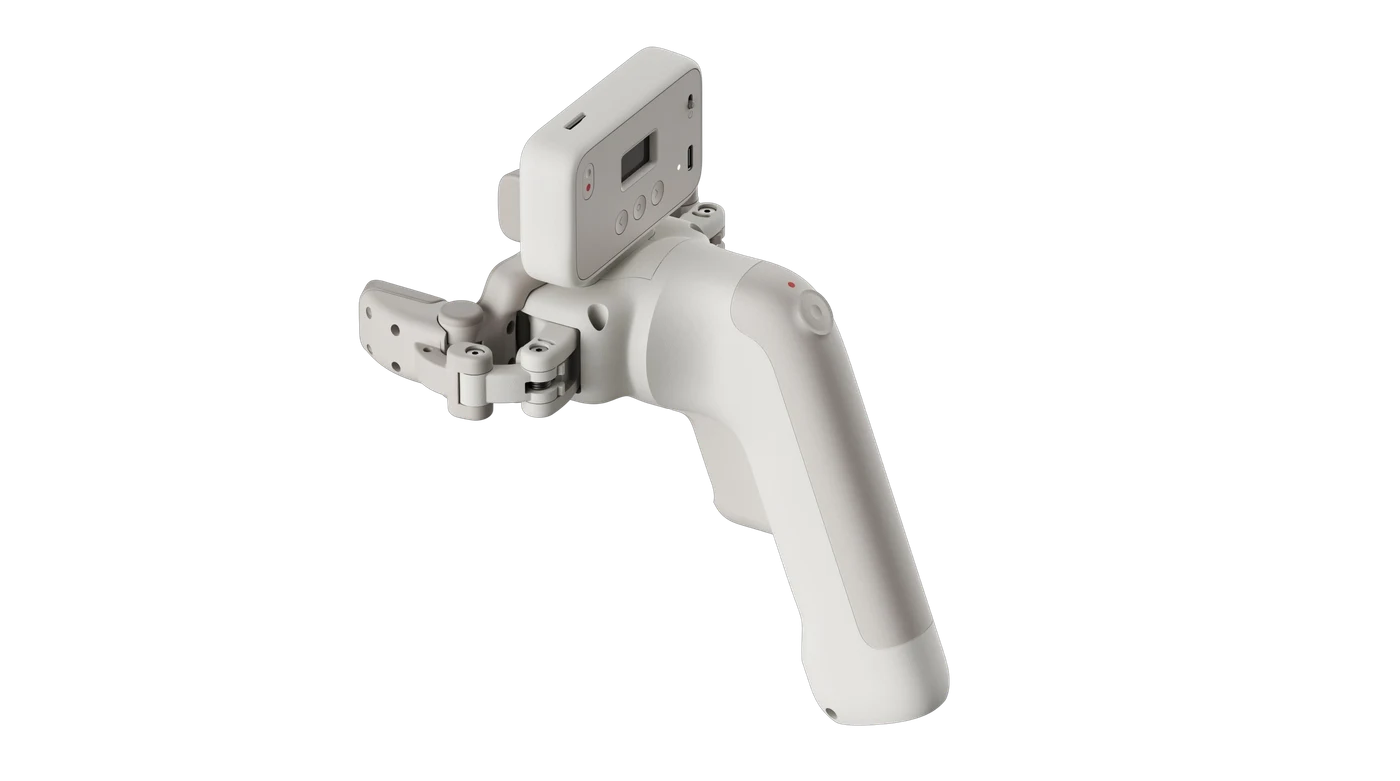
System overview
Record human manipulation with a parallel two-finger gripper. Video, inertial measurements and opening width are paired within task episodes. The GT variant adds normal and tangential fingertip force measurements.
Configuration, lead time and delivery scope confirmed with your inquiry.
Design & capability
UMI-GB records video, IMU and gripper width. UMI-GT adds fingertip tactile sensing for contact, slip and deformable-object research.
Completed episodes are written to SD before entering the NAS synchronization queue. Configured devices can continue offline until storage is full.
Robot deployment requires calibration, action mapping and task evaluation. Collection alone does not establish improved learning performance.
Configuration details and measurement conditions.
| Specification | UMI-GB | UMI-GT |
|---|---|---|
| Video / IMU / width | Included | Included |
| Fingertip normal / tangential force | Not included | Included |
| Working distance | 10-30 cm | 10-30 cm |
| Video | 1600 x 1200, 60 FPS, global shutter | 1600 x 1200, 60 FPS, global shutter |
| IMU | 500 Hz | 500 Hz |
| Gripper opening | 0-80 mm | 0-80 mm |
| Repeatability | <= +/-0.5 mm | <= +/-0.5 mm |
| Width output | 100 Hz | 100 Hz |
| Recording | Local storage / Wi-Fi / NAS sync | Local storage / Wi-Fi / NAS sync |
| Minimum detectable force | 0.3 N |
|---|---|
| Normal force range | 0-25 N |
| Tangential force range | +/-10 N |
| Tactile sampling | 100 Hz |
| Safe overload | 200% FS |
| Video bitrate | >=6 Mbps |
| Inertial output | Raw acceleration and gyroscope |
| Width measurement accuracy | 1 mm |
| Multi-device timing residual | Mean <=5 ms |
Width accuracy and gripper repeatability are separate metrics. Mean timing residual is not a maximum error bound and is distinct from Thor internal signal alignment.
| Storage | 128 GB MicroSD, write-verified before delivery |
|---|---|
| Display | 0.96-inch monochrome OLED |
| Controls | 3 navigation buttons + REC button |
| Power | Built-in battery; USB charging; operation while charging |
| Charging / continuous capture | Approx. 1 hour / 2 hours |
| Temperature | 0-40 C |
| Weight | Approx. 600 g per hand unit |
| Standard GT set | 2 devices, 2 verified 128 GB cards and 1 operating guide; guide language to be confirmed |
| Deployment | Video / IMU via USB; gripper data from the separate robot gripper system |
GT-specific hardware, runtime and package contents do not automatically apply to GB.
| Setup | Configure Wi-Fi, login, NAS and task before a new recording; confirm left / right hand |
|---|---|
| Recording | Single-press REC to start; double-press to stop |
| Archive structure | Task / device / hand / time |
| Transfer | Wi-Fi and rsync to NAS; server, account and directory permissions required |
| Cleanup | Delete only successfully synchronized data by day; preserve complete episodes |
| Protected records | Unsynchronized, failed, recording and in-transfer data are not automatically deleted |
| Full storage | Pause capture if no eligible records can be cleared; sync and free space, then press REC or restart |
| Display status | Wi-Fi, SD, duration, task, hand, power, width, force and synchronization status |
Do not remove the MicroSD card while recording or synchronizing. On transfer failure, retain connectivity for retry and check NAS permissions.
Delivery and validation
Specifications follow the September 2026 v1.1 documentation. GT-specific tactile, weight, runtime and packaging figures are listed separately. Final configuration and acceptance follow the confirmed version.
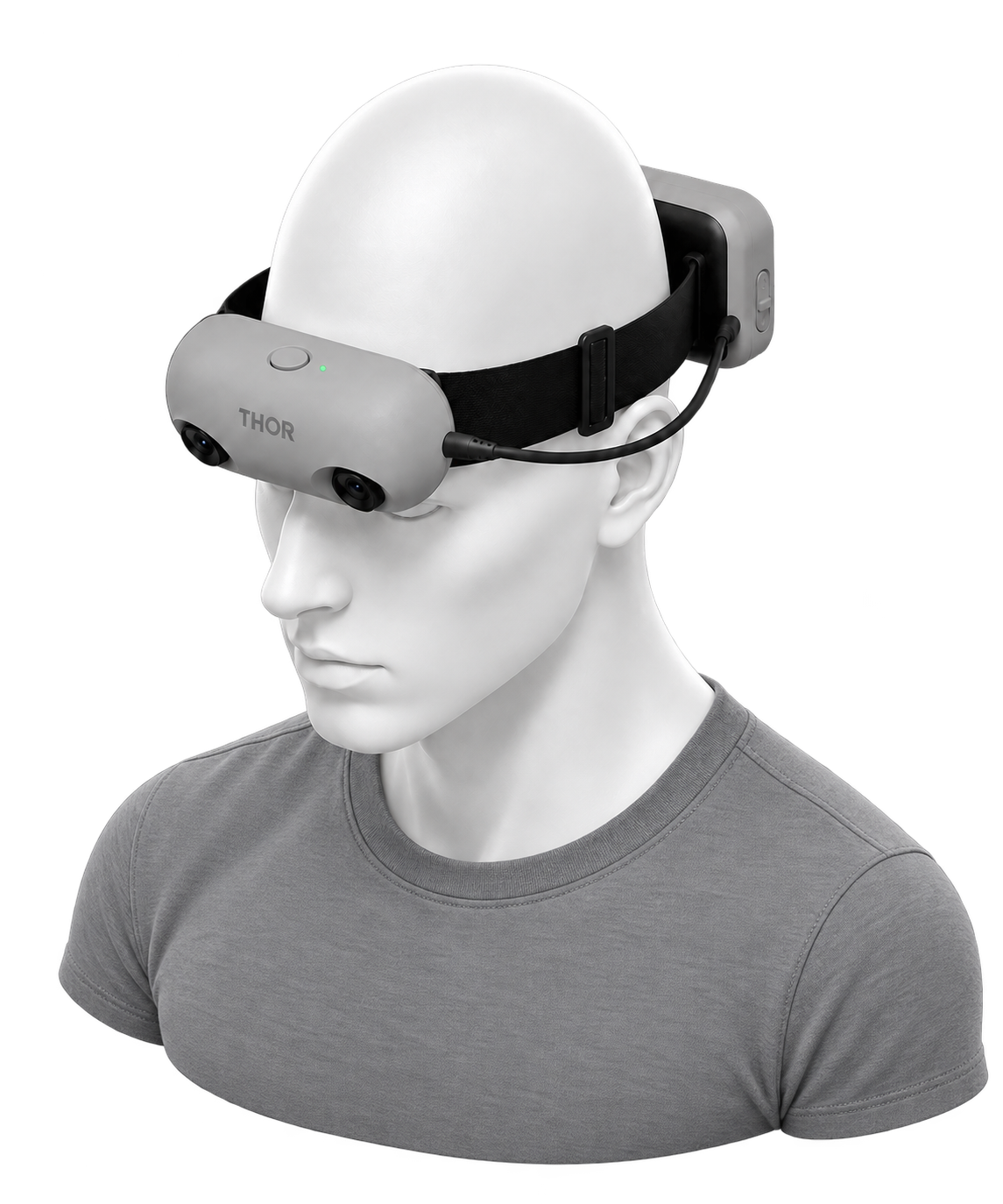
Capture / Specification-based configuration
Dual-camera visual-inertial capture
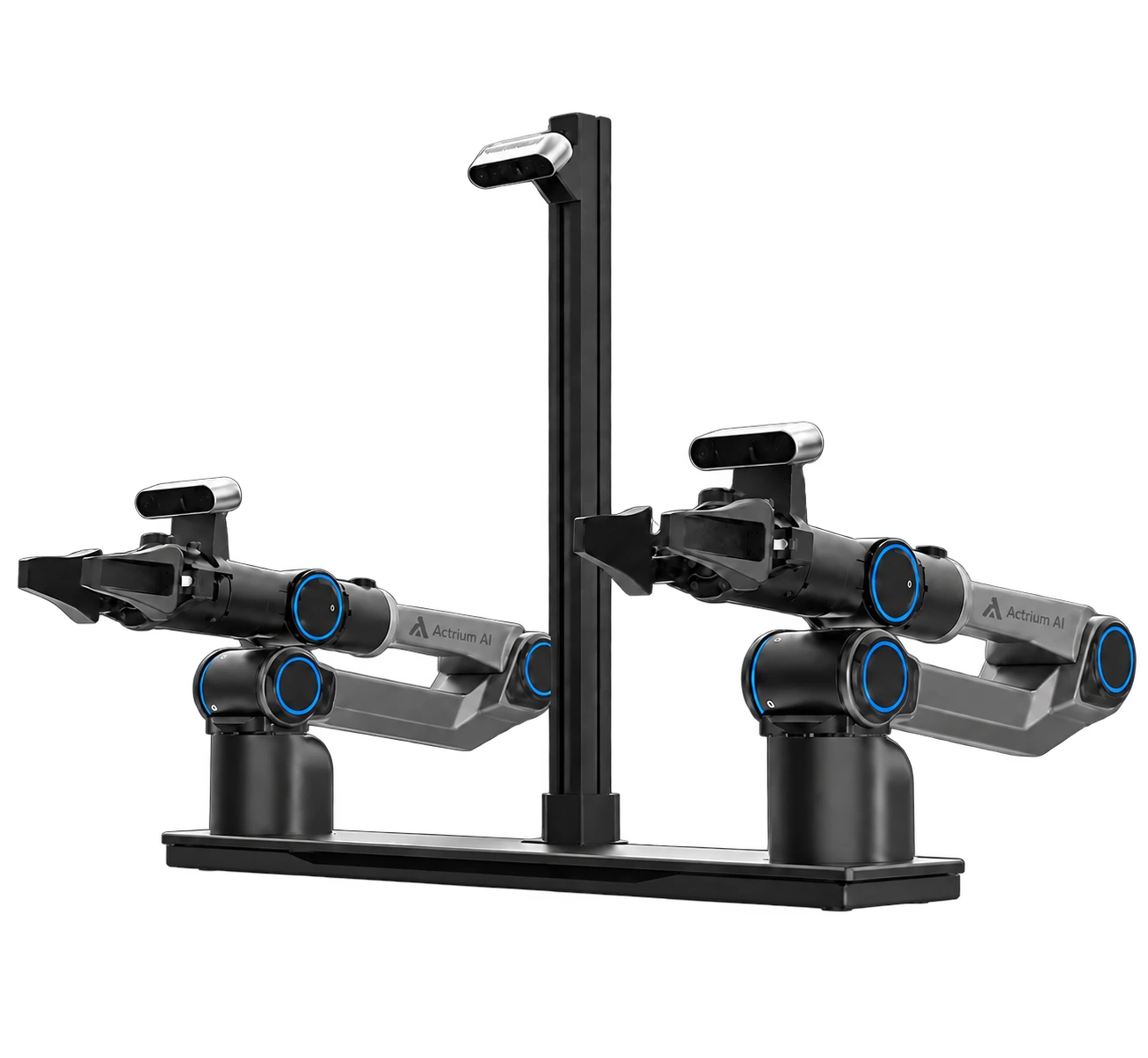
Robotics / Project configuration
Desktop bimanual learning platform
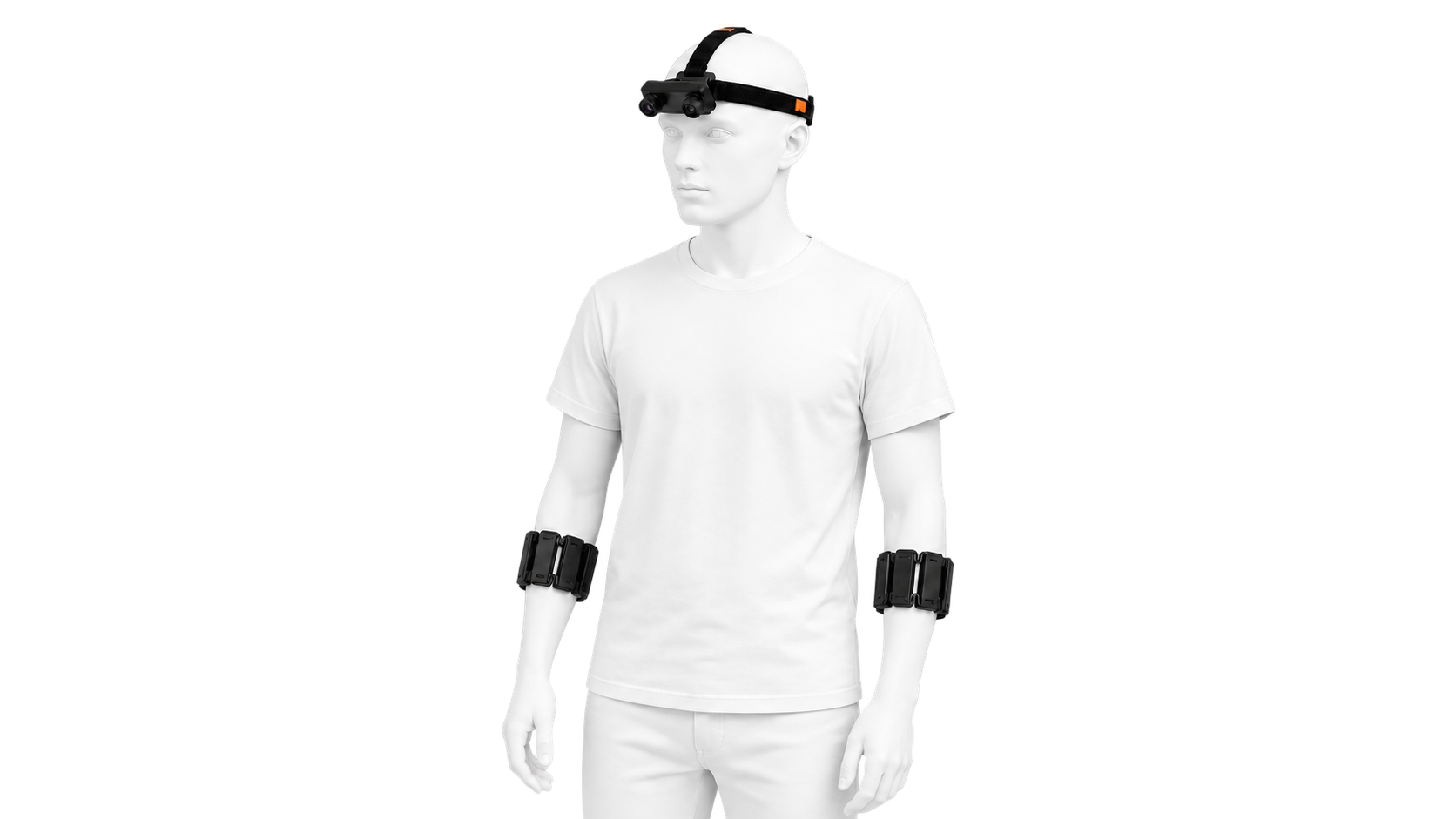
Capture / Research validation
Forearm sensing for multimodal research
Build with Actrium
Define the devices, data and evaluation your project needs.